
Durham County Court Dockets Defined
A docket is the court's chronological case log and scheduling record. In Durham County, a docket can point to a complaint, criminal summons, warrant, indictment, motion, order, continuance, notice of hearing, judgment, plea, sentencing event, appeal, or other case step. The docket helps a reader see what happened and what is scheduled next, but it may not provide the full document text or every exhibit.
Durham County dockets exist inside the statewide North Carolina court system. Superior Court handles felony cases, larger civil matters, and appeals from District Court. District Court handles misdemeanors, infractions, traffic, small claims, most family matters, juvenile matters, and civil cases within its jurisdiction. Magistrates also create initial process and small-claims events that can later connect to the court docket.
A docket entry is best read with the case type in mind. A criminal docket may show charges, arraignment, motions, pleas, disposition, sentence, bond forfeiture, and attorney information. A civil docket may show complaint filing, service, motions, hearings, orders, judgment, rent bond, writ, or appeal. Estate and special proceeding dockets may show inventories, guardianship events, name changes, foreclosures, partitions, or surplus funds when public.
Search Durham County Court Dockets
Durham County docket and hearing information is searched through the North Carolina eCourts Portal. The Search Hearings tool is the main calendar route. Smart Search can also reveal docket entries inside a case record. The Portal training page states that hearing searches can use case number, party name, business name, attorney name, attorney bar number, judicial officer, or courtroom.
- Open the eCourts Portal and choose Search Hearings when the goal is a court date, courtroom, or hearing listing.
- Enter a case number, party name, business name, attorney name, attorney bar number, judicial officer, or courtroom.
- Use Durham County as the location filter when available so statewide results do not bury the local docket.
- Open the matching case or hearing result and compare the date, party names, case type, courtroom, and judge before relying on it.
- If a docket is missing, restricted, or unclear, contact the clerk department tied to the case type.
The manifest eCourts hearing-search image comes from the NC Judicial Branch Portal training resources.
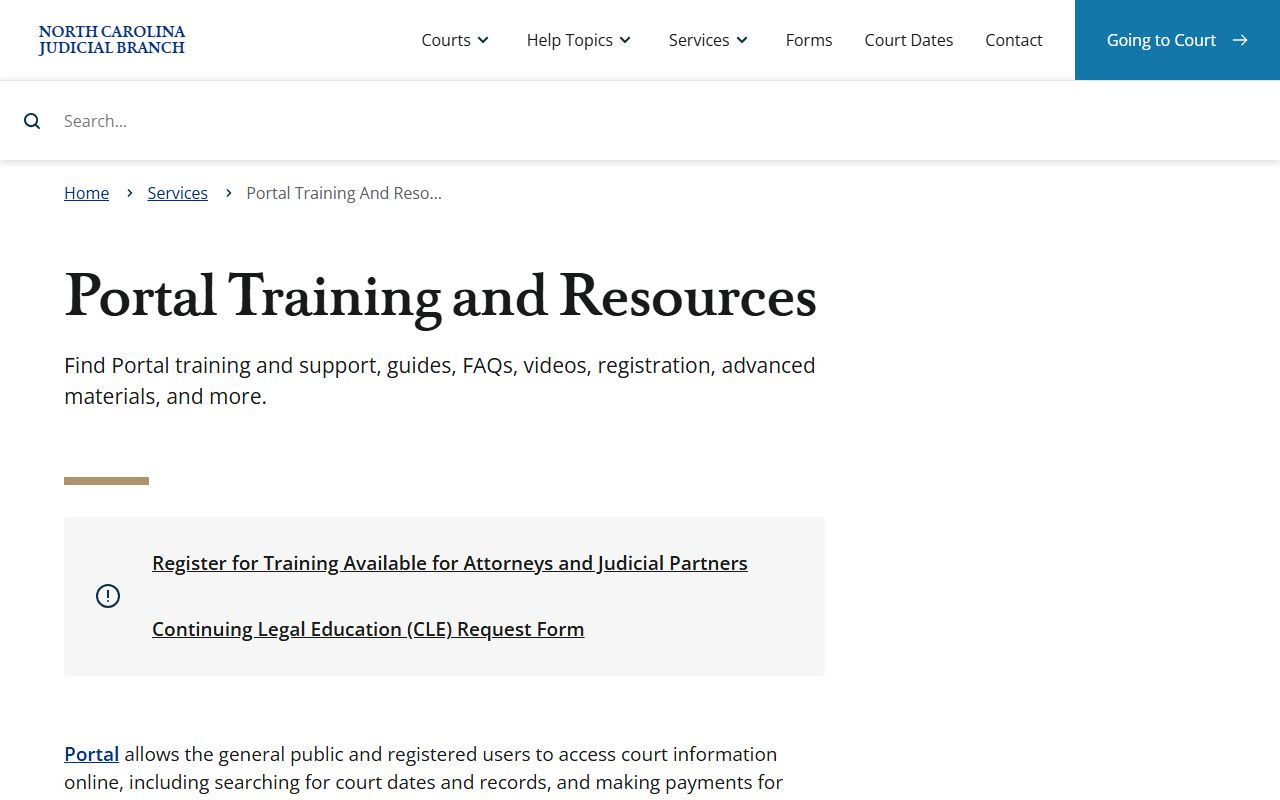
That source supports the Durham County court dockets workflow because it names the hearing fields and explains how the portal filters are used.
Durham County Docket Search Fields
No live public sample docket entry was available from the captured sources, but the official hearing and case-search fields are clear. Those fields are enough to build a reliable docket-search table. Use case number when known because it is the most precise route. Use party or business name when the case number is missing, then narrow by county, case type, hearing details, and date context.
| Field | What It Shows |
|---|---|
| Case Number | The court's Enterprise Justice identifier, including year, case type, sequence, and county identifier when assigned. |
| Party Name | A person or business connected to the case. Search Hearings and Smart Search both support party criteria. |
| Attorney Name | The attorney tied to a case or hearing. It is useful when party names are common. |
| Attorney Bar Number | A more exact attorney filter available in Search Hearings. |
| Judicial Officer | The judge or judicial officer assigned to the hearing when the calendar data exposes that field. |
| Courtroom | The room or calendar location tied to a hearing listing. |
| Location / County | The county filter. Select Durham County for local Superior Court and District Court calendars. |
| Case Type | Criminal, civil, estate, special proceeding, traffic, family, small claims, or another visible case group. |
| Filing Date Range | A narrowing field for broad case searches that return too many docket matches. |
| Hearing Date | The date a matter is set or has appeared on the calendar, when exposed by Search Hearings. |
Durham County Courts With Dockets
Durham County dockets reflect a split trial-court system. The Clerk of Superior Court serves both Superior Court and District Court, so many public dockets are reached through the same portal and clerk office. The local rules page adds Durham-specific procedures for Superior Court, District Court, Domestic Court, and Juvenile Court, plus local forms used to ask for settings, continuances, address changes, appearances, and domestic calendar action.
The Durham County court level matters because not all docket questions belong at the same counter. Superior Criminal handles CRS file copies and felony-level criminal dates. District Criminal/Traffic Records handles Durham County criminal and traffic court dates, citation payments, bond forfeitures, vehicle seizures, and limited driving privilege matters tied to DWI or speeding. Civil handles pro se lawsuits, evictions, restraining orders, divorce decrees less than 10 years old, and some lien work. Judgments handles older divorce decrees, judgment collections, rent bonds, and related records.
- Superior Court dockets cover felony cases, civil cases generally involving $25,000 or more, and appeals from District Court.
- District Court dockets cover misdemeanors, infractions, traffic, small claims, most domestic matters, juvenile matters, and lower civil cases.
- Magistrate matters can affect dockets through warrants, initial criminal process, first appearances, small claims, and summary ejectment hearings.
- Clerk probate and special proceeding calendars cover estates, guardianships, name changes, foreclosures, partitions, and related matters when public.
The manifest Durham small-claims image is sourced from the Durham County small claims page.
Small claims are part of the Durham docket picture because civil magistrates handle those hearings before later appeals or related filings reach other court calendars.
Durham County Dockets vs Records
A Durham County court docket is narrower than a complete case record. The docket is the event list and schedule trail. The case file may contain pleadings, motions, orders, judgments, estate inventories, divorce judgments, transcripts when prepared, and other documents. Public access may also differ because some documents are redacted or unavailable even when a docket entry can be seen.
| Point | Docket | Full Case Record |
|---|---|---|
| Main use | Track events, court dates, parties, and status. | Review pleadings, orders, judgments, filings, and documents. |
| Best online tool | Search Hearings and Smart Search in eCourts. | Smart Search, public terminals, and clerk file review. |
| Common fields | Hearing date, courtroom, judicial officer, event type, case number. | Case documents, parties, filing dates, disposition, sentence, financial items, redactions. |
| When to call | When a court date, room, or calendar setting is unclear. | When certified copies, paper files, older cases, or complete documents are needed. |
For a wider field-by-field view of public case data, use the Durham County court records overview alongside docket searches.
Durham County Docket Rules
Durham's local rules and forms give docket searches more local context than a generic statewide calendar. The official Durham County local rules and forms page includes Superior, District, Domestic, Juvenile, civil, and domestic material. Forms identified in the research include notice of address change, notice of appearance, calendar request, notice of hearing, motion and order to continue, objection to continuance, extension of time, pre-arbitration submission, domestic affidavit for judicial assignment, domestic calendar request, peremptory setting, and emergency custody consideration.
Continuance and calendar forms matter because they can change a docket after a person has already looked up a hearing. A docket result should be checked close to the hearing date, especially when a motion to continue, emergency custody issue, domestic setting, or trial calendar request may affect timing. For official case-specific guidance, use the court department listed for that record type, not a third-party calendar site.
Note: Durham County jury excusal and deferral requests are not handled by telephone and must follow the official submission process.
The manifest local-rules image is linked to the Durham County local rules and forms source.
Those local forms help explain why a Durham County court docket can change after a continuance, calendar request, or notice is filed.
Read Durham County Court Dockets
Some docket terms are simple once defined. A motion is a written request asking the court to act. An order is the judge's directive. A continuance is a postponed hearing. A disposition is the case outcome. A judgment is a final decision or money award. In criminal cases, a plea is the defendant's formal answer to a charge, and a sentence is the punishment imposed after conviction.
Look for the sequence, not just one entry. A criminal docket may begin with a charge, warrant, indictment, or summons, then move through arraignment, pretrial motions, plea or trial, disposition, and sentencing. A civil docket may begin with a complaint, service event, answer, motion, hearing, judgment, execution, appeal, or dismissal. A docket may show that a matter was dismissed without prejudice, which can mean refiling may still be possible.
When a Durham County court docket is needed for court attendance, verify the result with the eCourts hearing search and the correct clerk contact. District Criminal/Traffic Records is the researched contact for criminal and traffic dates, courtrooms, citation payments, bond forfeitures, limited driving privilege issues, and vehicle seizures. Superior Criminal is the researched contact for superior criminal dates, courtrooms, attorney information, and CRS file copies.