
Search Durham County Court Records Online
Current Durham County court records are searched first through the North Carolina eCourts Portal. The same portal supports Smart Search, Search Hearings, online payments for eligible obligations, and NC Judgment Search. Durham County's official Records Access page points Durham County users to eCourts for case information and court records, but it also warns that formal background checks should be handled through the county clerk's office rather than a portal-only search.
The portal is useful when a person has a party name, case number, attorney name, citation, or judgment lead. Durham County cases use the statewide court structure, so both Superior Court and District Court records can appear through the same public system when the case is not restricted. The NC Judicial Branch Portal training page explains that users can narrow searches by location, party details, case type, case status, date range, and hearing details.
- Open the eCourts Portal and choose Smart Search for Durham County court records, Search Hearings for calendar information, Make Payments for eligible costs, or NC Judgment Search for judgment indexes.
- Search by party name, case number, attorney, citation, or business name. Use Durham County as the location filter when the option appears.
- Use Advanced Filtering Options to narrow by party name, date of birth, case type, status, and filing date range.
- For case numbers, follow the Enterprise Justice format with a two-digit year, case type letters, six-digit sequence, and county identifier.
- For documents not visible online, certified copies, older files, and background checks, contact the Durham County Clerk of Superior Court.
The official eCourts Portal home screen is shown in the manifest image sourced from the North Carolina eCourts Portal.
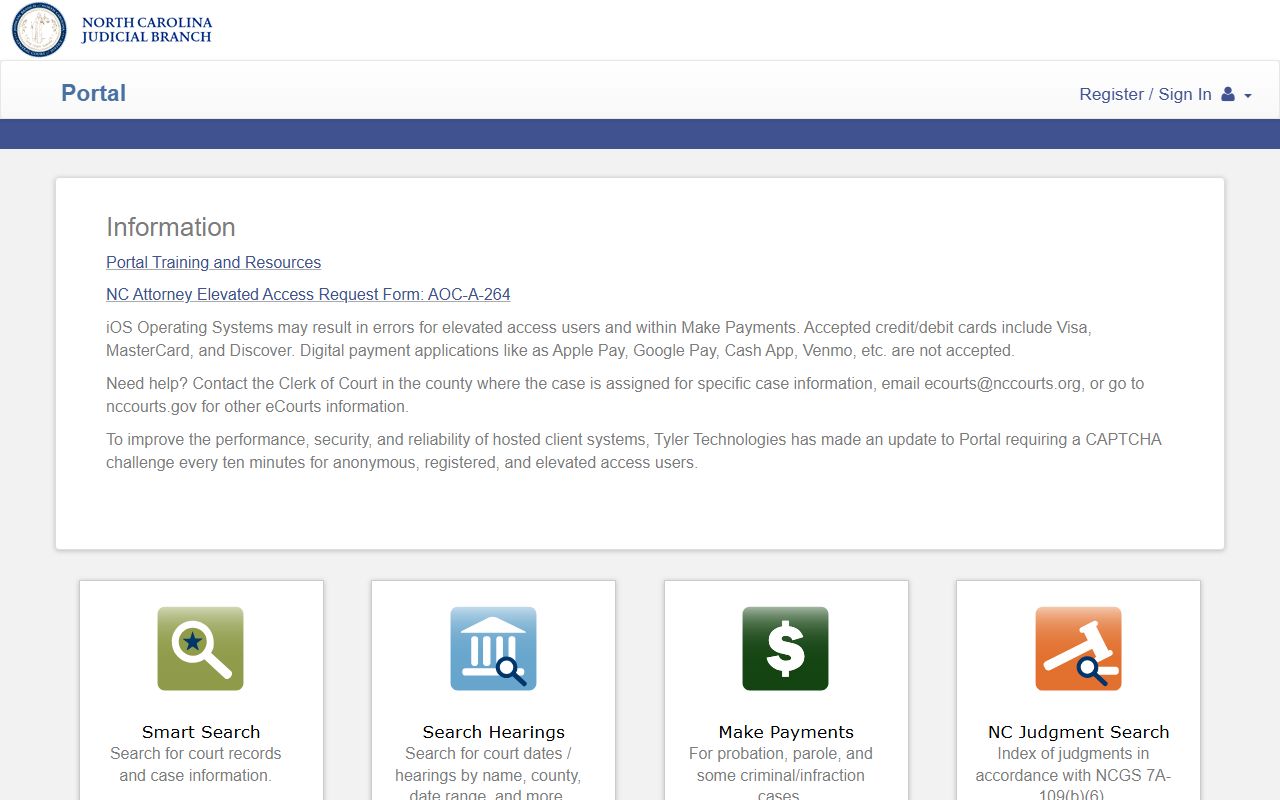
That portal image connects the Durham County court records workflow to the same Smart Search and hearing tools used statewide.
Durham County Court Records Fields
The strongest Durham County court records lookup starts with the right field. Name searches work when the full case number is not known, but portal training gives special wildcard rules. A business or nickname wildcard needs at least four characters plus an asterisk. A person-name wildcard needs at least three last-name characters plus an asterisk and at least one first-name character plus an asterisk. The case-number format is stricter because the court system uses Enterprise Justice numbering.
| Field Label | Type | Required | Notes / Format |
|---|---|---|---|
| Name / Party Name | Text | No | Search by party name; wildcard last name needs at least 3 characters plus *, and first name needs at least 1 character plus *. |
| Business Name | Text | No | Business or nickname wildcard searches need at least 4 characters plus *. |
| Case Number | Text | No | Enterprise Justice format uses year, case type, six-digit sequence, and county identifier, such as 21CR000003-910. |
| Attorney Name | Text | No | Available in Smart Search and Search Hearings. |
| Attorney Bar Number | Text | No | Available for hearing searches. |
| Date of Birth | Date | No | Party Search Criteria can use date of birth to narrow results. |
| Location / County | Dropdown or filter | No | Use Durham County when filtering local court records. |
| Case Type | Dropdown or filter | No | Portal training names Civil Actions, Special Proceedings, Estates, and Criminal Actions. |
| Case Status | Dropdown or filter | No | Status filtering exists, but the static source did not expose every option. |
| Case Filing Date Range | Date range | No | Used to reduce broad name searches. |
| Judicial Officer | Text or dropdown | No | Used in Search Hearings. |
| Courtroom | Text or dropdown | No | Used in Search Hearings for calendar location. |
| Citation | Text | No | Portal and payment functions support citation search and eligible payment review. |
The manifest public-records statute image comes from the North Carolina Chapter 132 public records statutes.
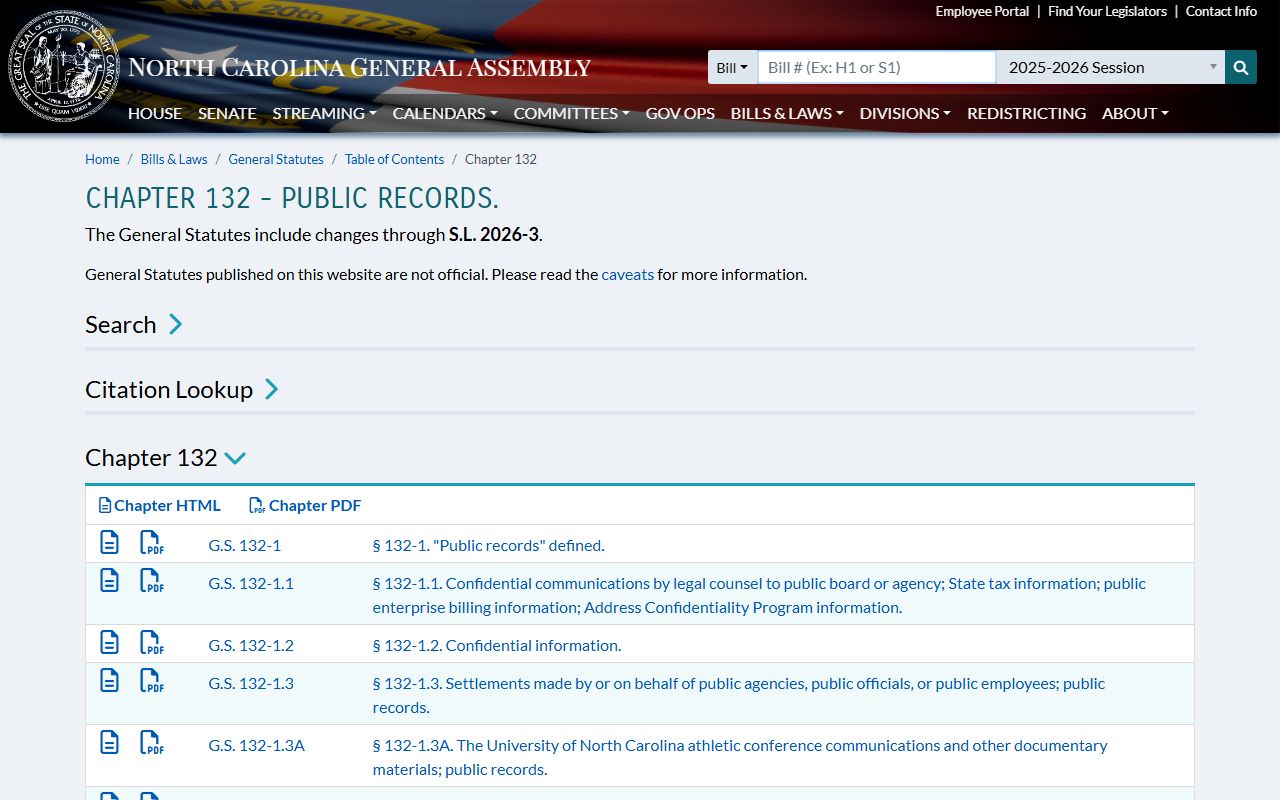
Chapter 132 frames open access for many public agency records, while court records also depend on court-specific rules and statutory limits.
Types of Durham County Court Records
Durham County court records are not one file type. The Clerk of Superior Court keeps records for both Superior Court and District Court, and different clerk departments handle different case groups. District Criminal/Traffic Records handles criminal and traffic court dates, citation payments, bond forfeitures, and vehicle seizures. Superior Criminal handles CRS file copies and felony-level criminal records. Civil, Family Court, Judgments, Estates, Special Proceedings, and District Court/Juvenile clerks handle other record groups.
Some records that feel court related are held elsewhere. Marriage certificates and land or vital records are Register of Deeds records, not Clerk of Superior Court case files. Jail booking information is maintained by the Sheriff's Office. County-government public records may use Durham County's NextRequest process, but that is not the court file channel. For the broad court case file, use eCourts, public terminals, or the Clerk.
- Criminal court records include charges, court dates, pleas, dispositions, sentencing, bond forfeitures, attorney information, and CRS file copies.
- Civil records include lawsuits, evictions, restraining orders, notices of contract, foreclosures, vehicle liens, and civil judgments.
- Family and domestic records include divorce filings, custody, child support, domestic violence protective orders, and domestic calendar requests.
- Probate, estate, and special proceeding records include wills, estate administration, guardianships, name changes, foreclosures, partitions, and surplus funds.
- Traffic and infraction records include citations, waivers, court dates, limited driving privilege filings, bond forfeitures, and vehicle seizures.
- Judgment records include older divorce decrees, rent bonds, judgment collections, writs of execution, liens, and name-change resumption matters.
What Durham County Court Records Show
A Durham County court record usually has enough detail to identify the case, the parties, the court location, and the procedural path. It may not show every document to a public user. Public and elevated views can differ, and attorney elevated access requires approval and an active attorney listing on the case. For a complete case review, the clerk's office and public terminals remain important access points.
| Field | What It Shows |
|---|---|
| Case Number | The Enterprise Justice case identifier, often with year, case type, sequence number, and county identifier. |
| Filing Date | The date the case or filing entered the court system, also used for date-range search filters. |
| Court / Location | The county, court division, and sometimes courtroom tied to the case or hearing. |
| Case Type | Criminal, civil action, estate, special proceeding, domestic, traffic, small claims, or another visible category. |
| Parties | Defendants, plaintiffs, petitioners, respondents, estates, decedents, guardians, attorneys, or judgment parties. |
| Docket / Hearings | Chronological events such as complaints, warrants, motions, orders, continuances, hearings, judgments, pleas, or sentencing. |
| Financial Items | Fines, costs, restitution, criminal attorney fees, probation or parole fees, rent bonds, liens, cash bonds, or bond forfeitures. |
| Documents | Public pleadings, motions, orders, judgments, estate inventories, divorce judgments, local forms, or transcripts when available. |
| Redactions | Restricted identifiers, juvenile details, sealed matters, mental-health details, and expunged records are not fully visible. |
The manifest juvenile-record image is linked to the North Carolina Juvenile Code.
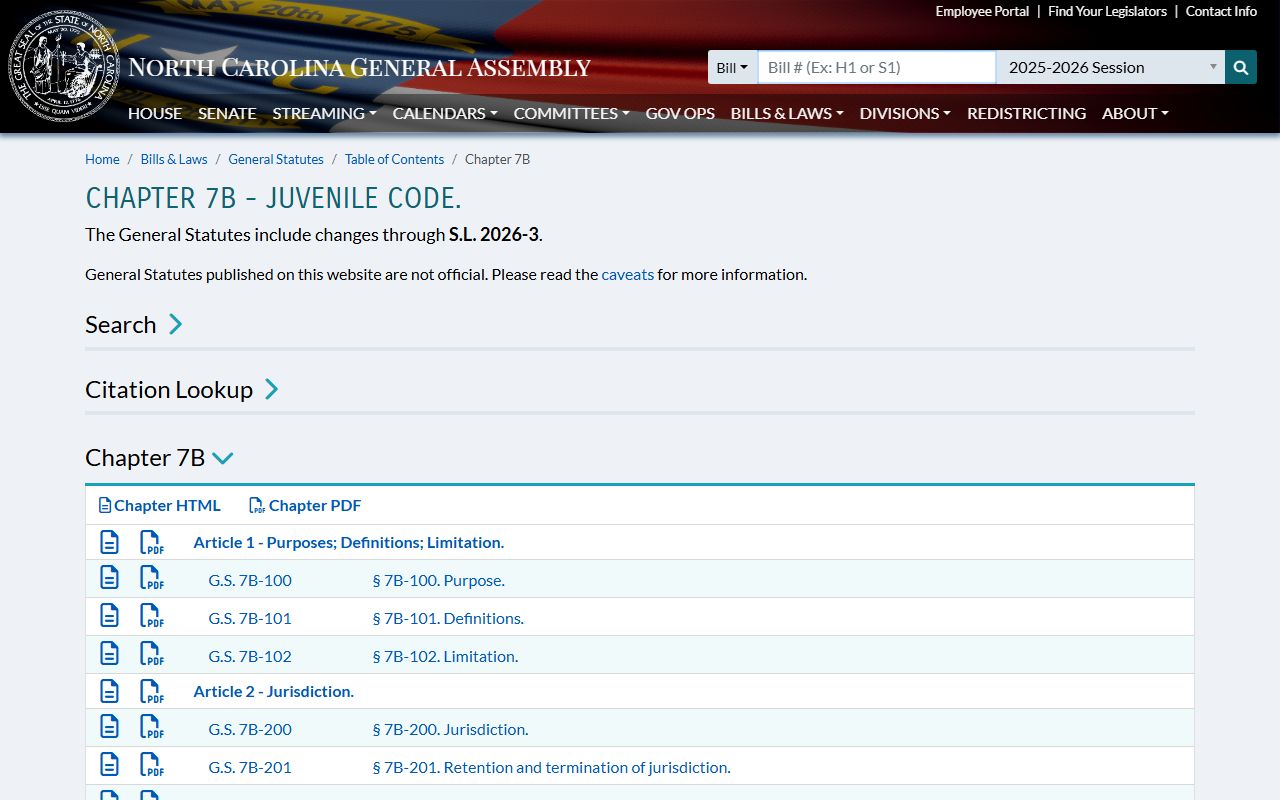
That source matters because juvenile delinquency, abuse, neglect, dependency, emancipation, and judicial bypass records are not ordinary public case files.
Public Access for Durham County Court Records
North Carolina public access starts with Chapter 132, which treats many public agency records as open unless a law makes them confidential. Court records also rely on Chapter 7A. The research identifies N.C.G.S. 7A-109 as the court-records provision that places records, files, dockets, and indexes under the clerk's record-keeping role, subject to court rules and statutory restrictions.
For Durham County court records, the practical access chain is straightforward. Use eCourts for current public case information. Use public self-service terminals in clerk offices for criminal, civil, special proceeding, and estate information. Visit the Durham County Clerk of Superior Court for paper files in the county where the case is located. Request certified copies from the Clerk when a legal copy is needed. Use Durham County's public-records request process only for county-government records, not as a substitute for court file access.
Note: Durham County background-check users should work through the clerk's office instead of relying only on portal search results.
The manifest criminal-procedure image is sourced from North Carolina Chapter 15A.
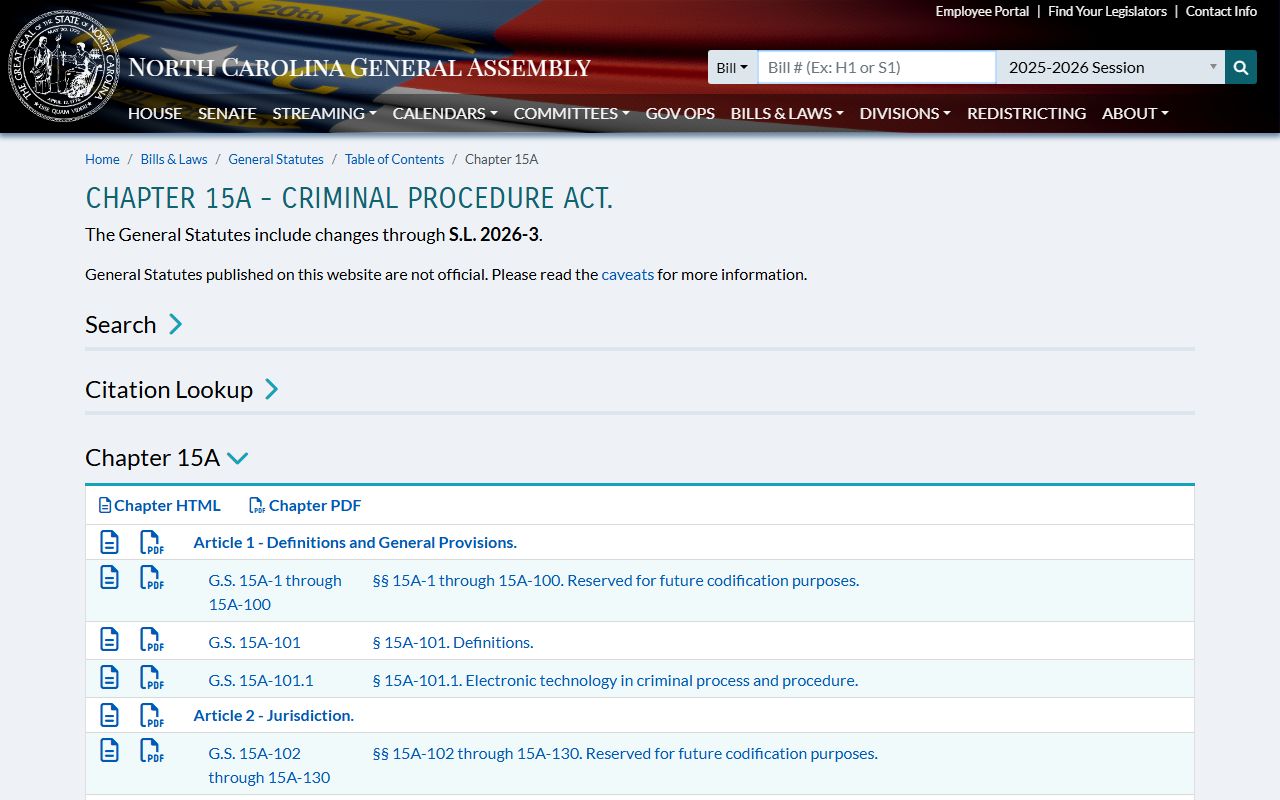
Chapter 15A is relevant when a Durham County court record involves expunction, criminal procedure, charges, convictions, or sentencing consequences.
Restricted Durham County Court Records
Public access does not mean every Durham County court record is open. Juvenile court files are restricted under the Juvenile Code. Adoption files are confidential. Mental-health and involuntary commitment records contain health and commitment information that is not treated as ordinary public case material. Sealed and expunged criminal matters are hidden from normal public access after the proper court process.
North Carolina uses the term expunction, also called expungement. A person files the correct petition in the court where the charge or conviction occurred. Eligibility depends on the outcome, offense type, age, prior record, waiting period, and whether required costs, fines, or restitution have been satisfied. If an expunction is granted, the clerk and affected agencies process the order so the record is removed from ordinary public court and criminal-history searches.
Personal identifiers also may be redacted. Social Security numbers, financial account numbers, protected addresses, minor identifying information, and similar details should not appear in a public copy. A restricted record may still exist at the court, but access may require party status, attorney access, statutory authority, or a court order.
Durham County Court Records In Person
The in-person fallback is local and specific. The Durham County Clerk of Superior Court is at the county courthouse, and the office serves both trial divisions. Civil, Family Court, Judgments, District Criminal/Traffic Records, Superior Criminal, Estates, Special Proceedings, District Court/Juvenile, and the Cashier each have distinct duties. That room-by-room split matters when a record is not visible online or when a certified copy is needed.
Bring as much Durham County identifying information as possible: case number, party names, approximate filing date, record type, court division, citation number, or judgment party. Mail payments for eligible fees, fines, and traffic matters must be by money order or certified check, made payable to Durham County Clerk of Superior Court. Do not send cash or personal checks by mail.
Durham County Clerk of Superior Court
510 S. Dillard Street
Durham, NC 27701
919-808-3000
Monday-Friday, 8:30 a.m.-5:00 p.m.